





Recommended


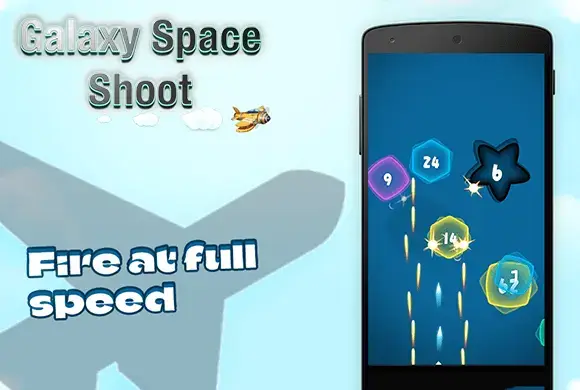
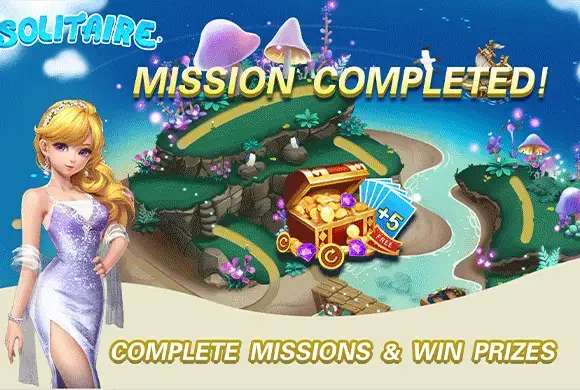
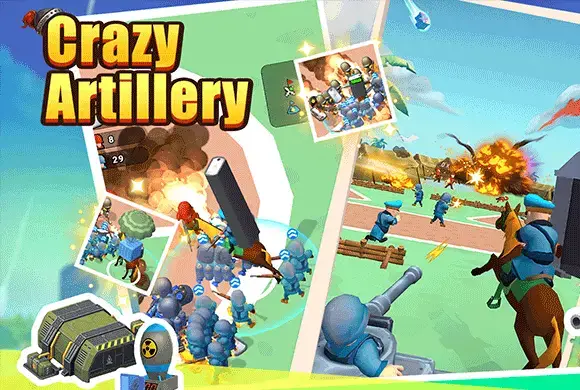
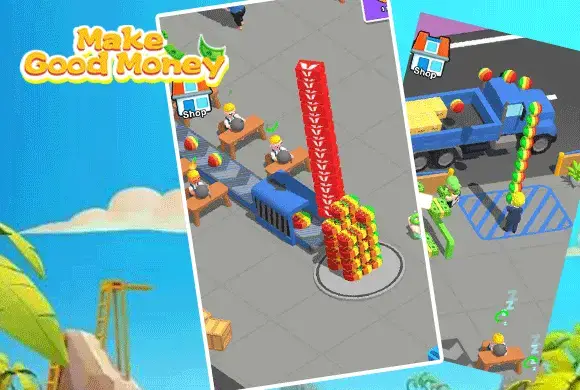


2 Player Games
- Rating
- 5
- Orientation
- Portrait
- Release Date
- 2024-06-28
How To Play 2 Player Games
Playing "2 Player Games" is incredibly simple and designed for quick accessibility. First, launch the app and browse the main menu to select one of the 7 mini-games, such as "Car Drift," "Knife Throw," or "Tank Battle." Once a game is selected, choose your mode. If you’re with a friend, tap "2 Player." The screen will split into two zones: one for the Red player and one for the Blue player. Place the device on a flat surface like a table between you. If playing alone, select the AI/Bot mode to compete against the computer.
Game Controls
The controls utilize simple touch mechanics. Generally, each player has a dedicated button or screen area (Red or Blue). Tap: Used for shooting (Tanks), eating (Hippos), or throwing (Knives). Hold/Release: Used for steering (Cars) or moving paddles (Foosball).
Frequently Asked Questions (FAQ)
Q: Do I need internet to play?
A: No, the core gameplay is offline local multiplayer, perfect for playing anywhere without Wi-Fi.
Q: Can I play alone?
A: Yes, every mini-game features an AI bot with varying difficulty levels to challenge solo players.
Q: How many games are included?
A: The app currently features a collection of 7 exciting mini-games including sports, racing, and action genres.

Dragon Evolution
 569.1K

hhhyyy
566.2Ktest20250320www007
249.2Ktest202503.26www001
504.8Ktest20250401www005
763.4Ktest332
278.5K
test562
422.8K
menglongdaluandou
741.3K
hjk0610-982%%
868.9K
test0919-001
623.3K